Continuing on my quest to take at least one picture daily, may I present…
Picture of the Day ~ Week 3
Glider Ride
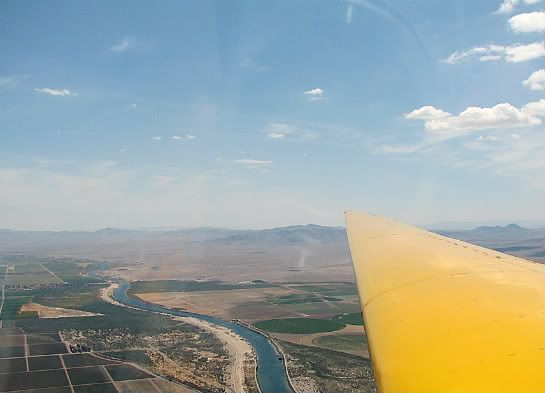
Overlooking the Colorado River. ~ June 13, 2009
What a way to start! Saturday was my 44th birthday, and Tom surprised me with a glider ride.
Rabbit Chase
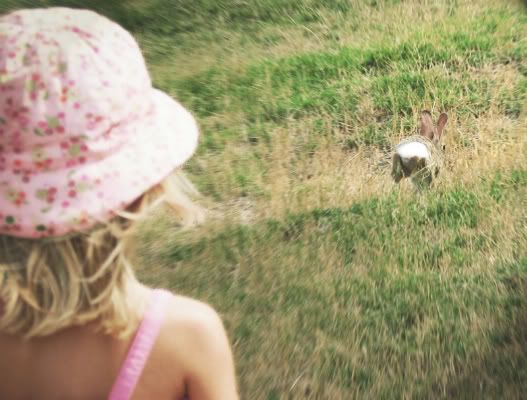
Pearl chases a cottontail. ~ June 14, 2009
George
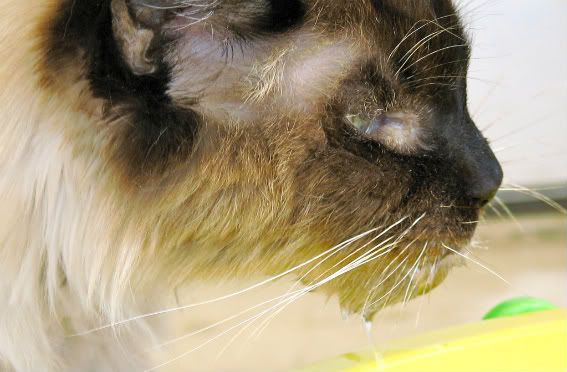
Our 17 year old cat. ~ June 15, 2009
Our sweet cat became ill 2 weeks ago with an abscess on his left cheek. I’m sorry to report he isn’t doing very well.
Quail
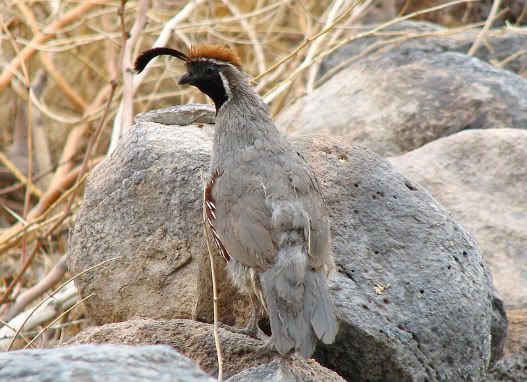
On our rock wall. ~ June 16, 2009
Tom ran out of the house in his stocking feet to capture this photo.
Scarecrow Lady
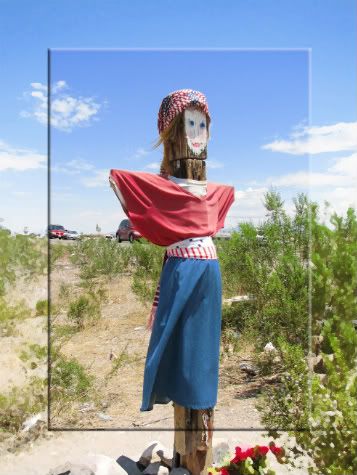
At the corner of Valencia & Hwy 95. ~ June 17, 2009
She has been in this position for over 11 years, and has a different outfit to compliment each holiday, season, or special local event.
Cookie Reflection
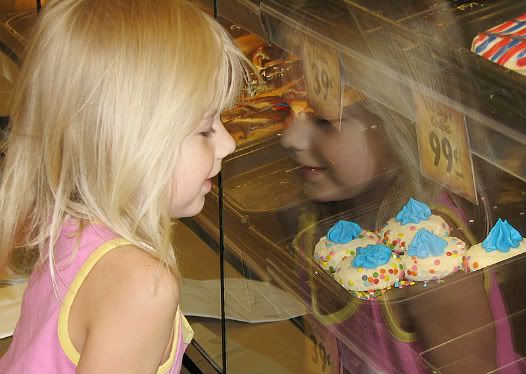
Pearl admires the bakery’s thumbprint cookies. ~ June 18, 2009
LOL! How many of these do you think I bought?
Gecko
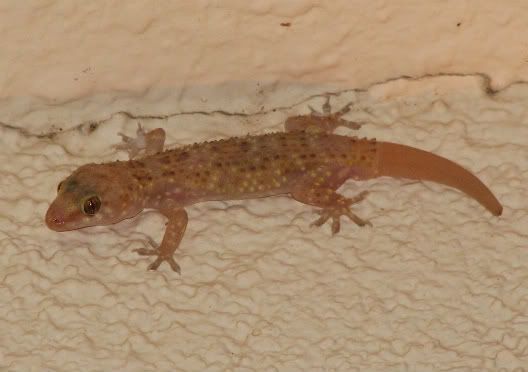
Mediterranean Gecko on our back porch. ~ June 18, 2009
Desert Tortoise
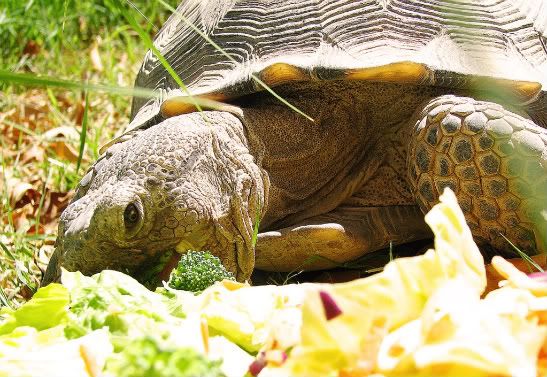
Look who came out to eat this morning? ~ June 19, 2009
Mmmmm…. wilted lettuce and fresh broccoli.
What’s the craziest birthday surprise you’ve ever gotten?
How would you dress the scarecrow lady?
How many cookies DID I have to buy for Pearl?
Thanks for reading!
PhotoShop Tips III: Make Photos POP + Spotlight Effect
Step 1: In your Layers Window, drag Background to the layers icon twice to make 2 additional layers.
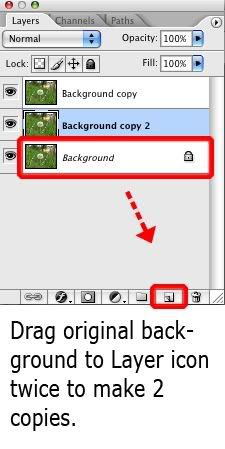
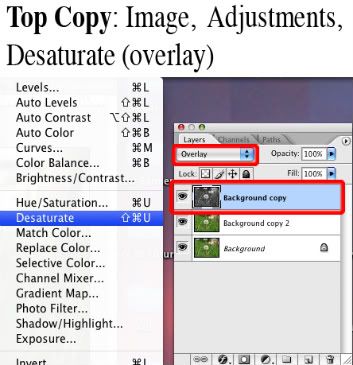
Step 2: On your top layer, choose Image, Adjustments, Desaturate. In your Layers Window, change the blending mode to Overlay.
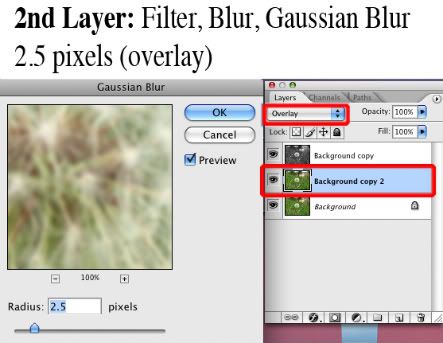
Step 3: On your 2nd layer, choose Filter, Blur, Gaussian Blur. Set the pixels to 2.5. Change blending mode to Overlay.
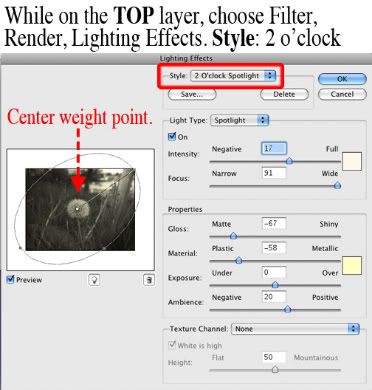
OPTIONAL Step 4: On top layer, choose Filter, Render, Lighting Effects. In the Style Drop Down Tab, choose 2 o’clock spotlight. Center your white weight point, and pull your upper weight point to the top right corner.
Step 5: Layer, Flatten Image. File, Save As.
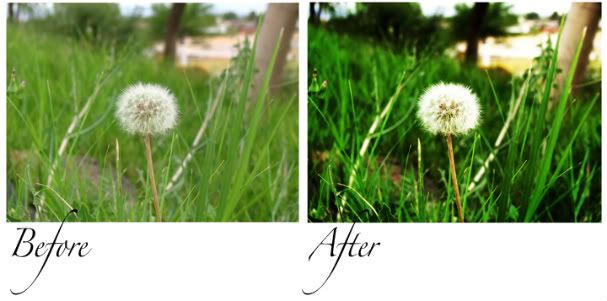
You can experiment with this effect. In another of my photos (Mi Casa), I desaturated the top layer (blend mode: overlay) and reduced opacity to 20%. I also did not include a 2nd/blurred layer, nor incorporated the spotlight.
Thanks for reading!
I’m really having a lot of fun with this Picture Of The Day. Some days I’m lucky to get one shot, while other days, the creative juices are really flowing.
Picture Of The Day ~ Week 2
Sparrow
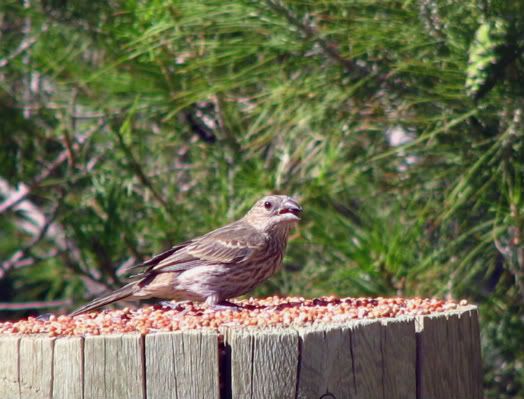
Eating birdseed in our yard. ~ June 7, 2009
Dead Cactus
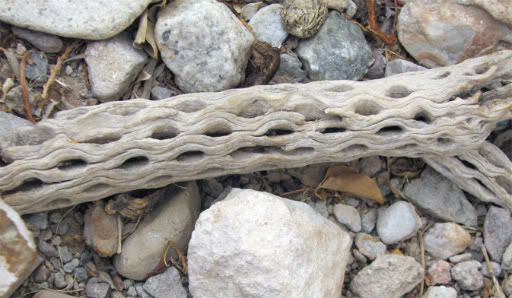
In our tortoise habitat. ~ June 8, 2009
Broken Fence
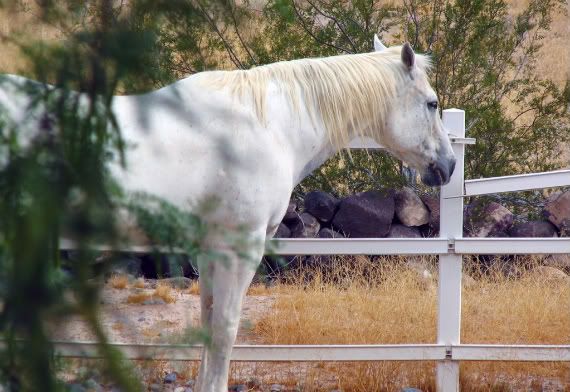
My 2nd Favorite Picture of June 8th. I hadn’t realized Chief broke the fence until I looked at the photo. Doesn’t he look guilty?!
Pearl Watermelon
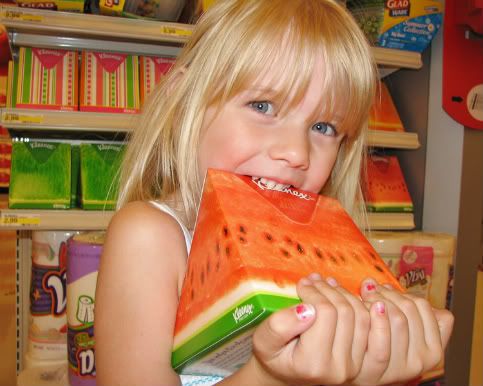
Pearl takes a bite out of a watermelon Kleenex box. ~ June 9, 2009
Shady Chairs
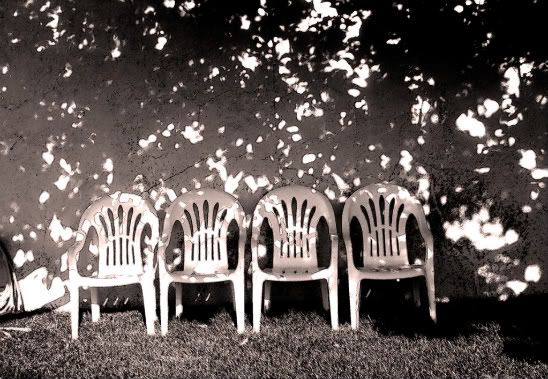
Chairs lined against our backyard wall in the morning shade. ~ June 10, 2009
Wish
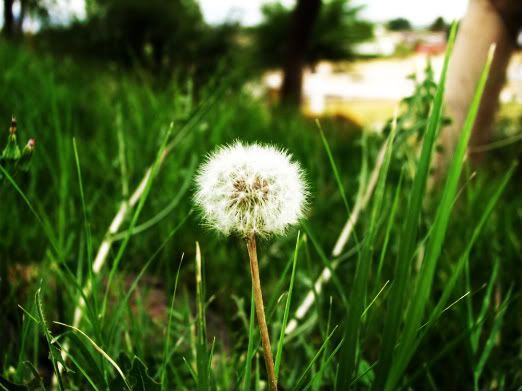
My 2nd Favorite Picture of June 10th. I love the technique of this photo so much, I’ll be posting a PhotoShop tutorial soon.
Dove
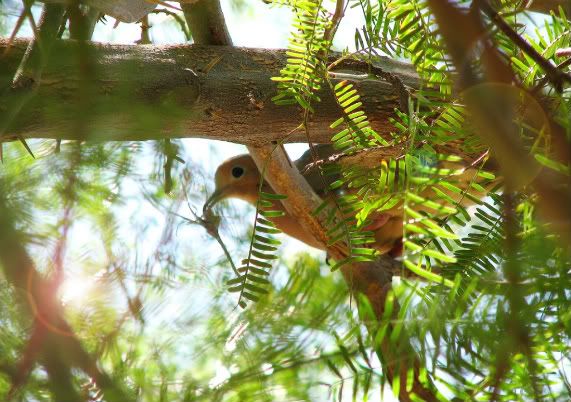
Dove with twig to build its nest. ~ June 11, 2009
Mi Casa
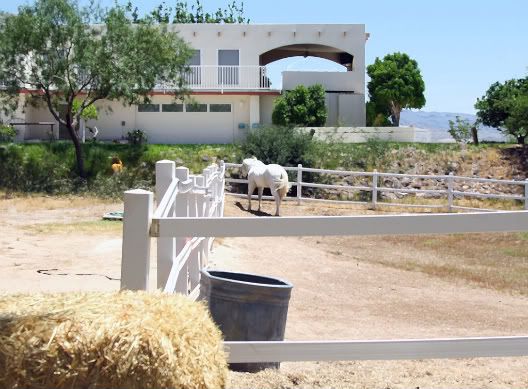
My 2nd Favorite Picture of June 11th. Our house and Chief as seen from the pasture.
Palm Tree Seed Pods
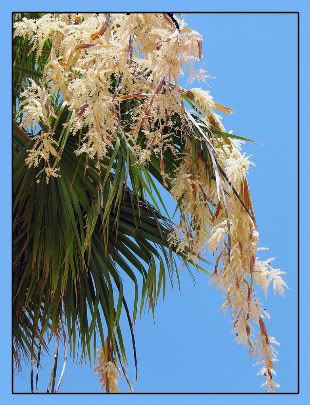
My 3rd Favorite Picture of June 11th. Palm Tree Seed Pods opened overnight.
Pearl Fence
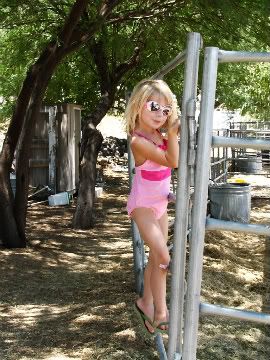
My 4th Favorite Picture of June 11th. Pearl on Chief’s fence.
Vandalism
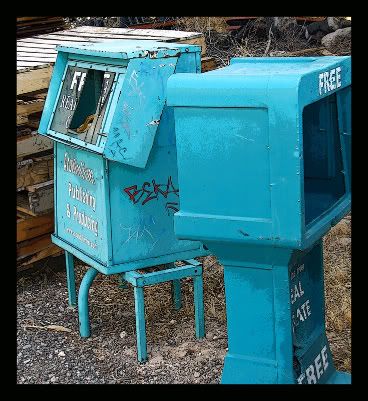
A couple of our racks wait for repairs after vandals abused them. ~ June 12, 2009
I’ve begun uploading my daily photos to Flickr, along with notes on the PhotoShop techniques or filters I’ve used. There’s also a photo there that Tom took of a Rosy Boa eating a rabbit. He snapped that pic last week while I was in Vegas. It took so long (the boa/rabbit encounter) that he even took video of it. Oh! Let’s end on a positive note! Here is a Blast from the (not so distant) Past…
Cupcakes
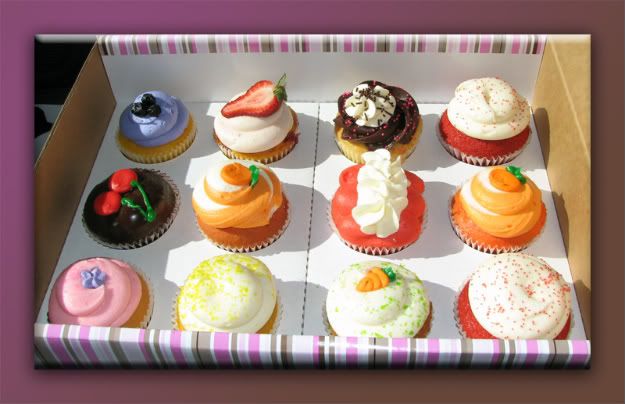
Cupcakes from The Cupcakery, Henderson NV. ~ June 5, 2009
Thanks for reading!